Wharfly / Browser extensions / Developer and design tools
HueDrop
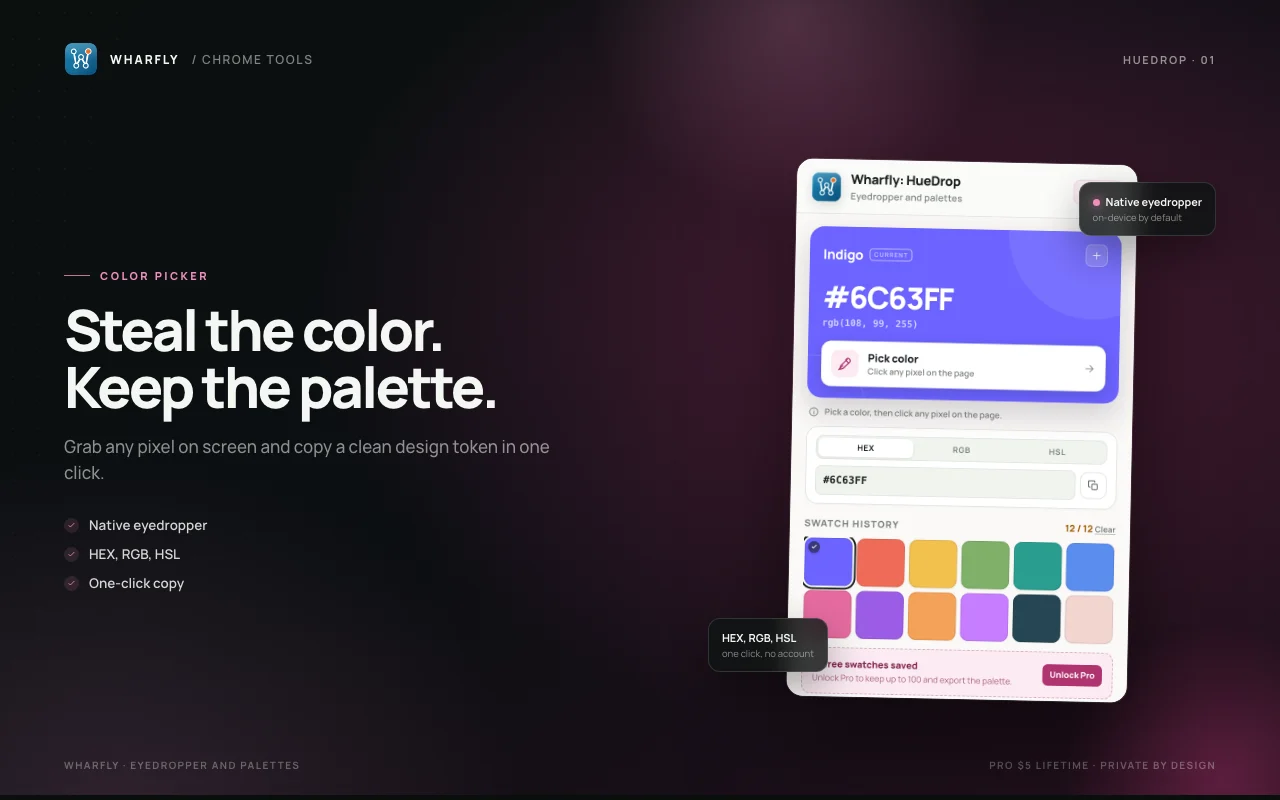
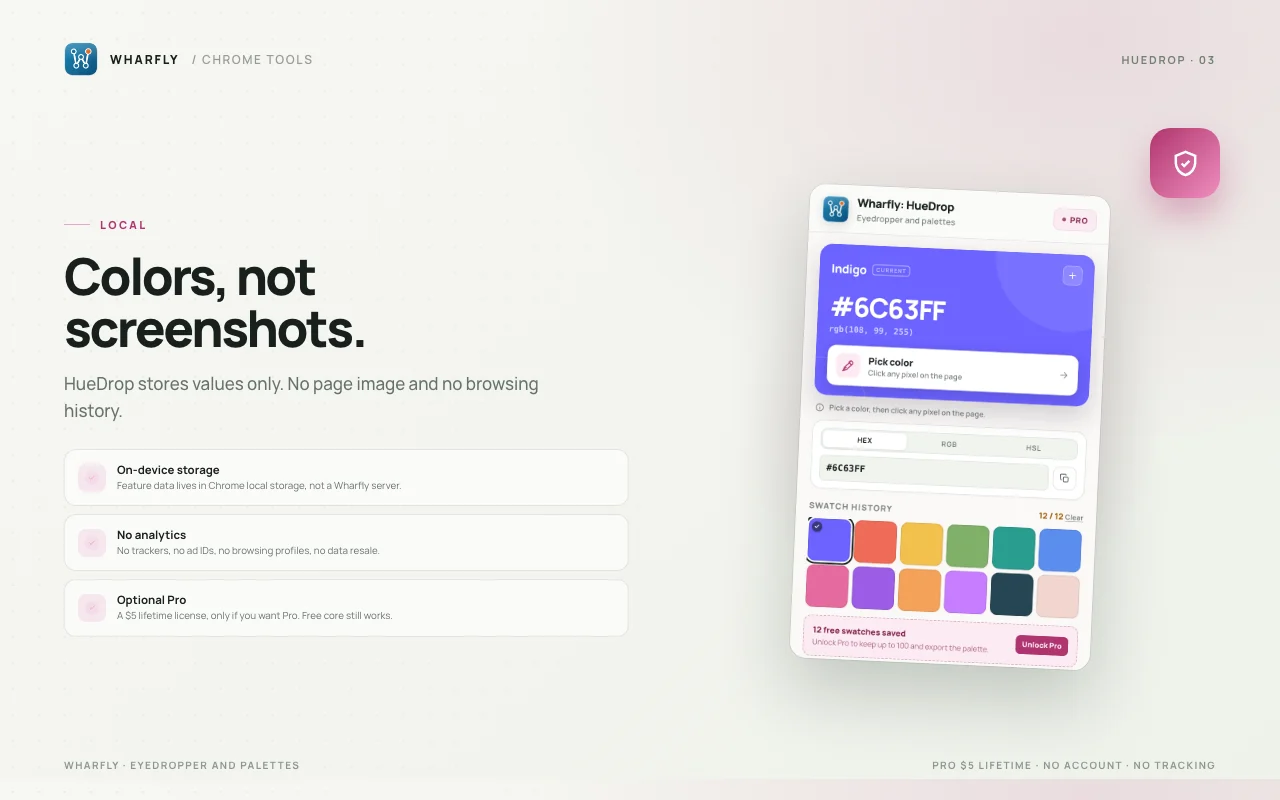
HueDrop uses Chrome's native eyedropper to grab any color on screen, then turns it into clean design tokens you can reuse. No uploads and no account.
This extension is still being finished. There is no install button until a store lists it. Pro on Gumroad opens when it is live.
What it does
- Pick a color from any visible page
- Copy HEX, RGB, or HSL with one click
- Keep a visual history of recent colors
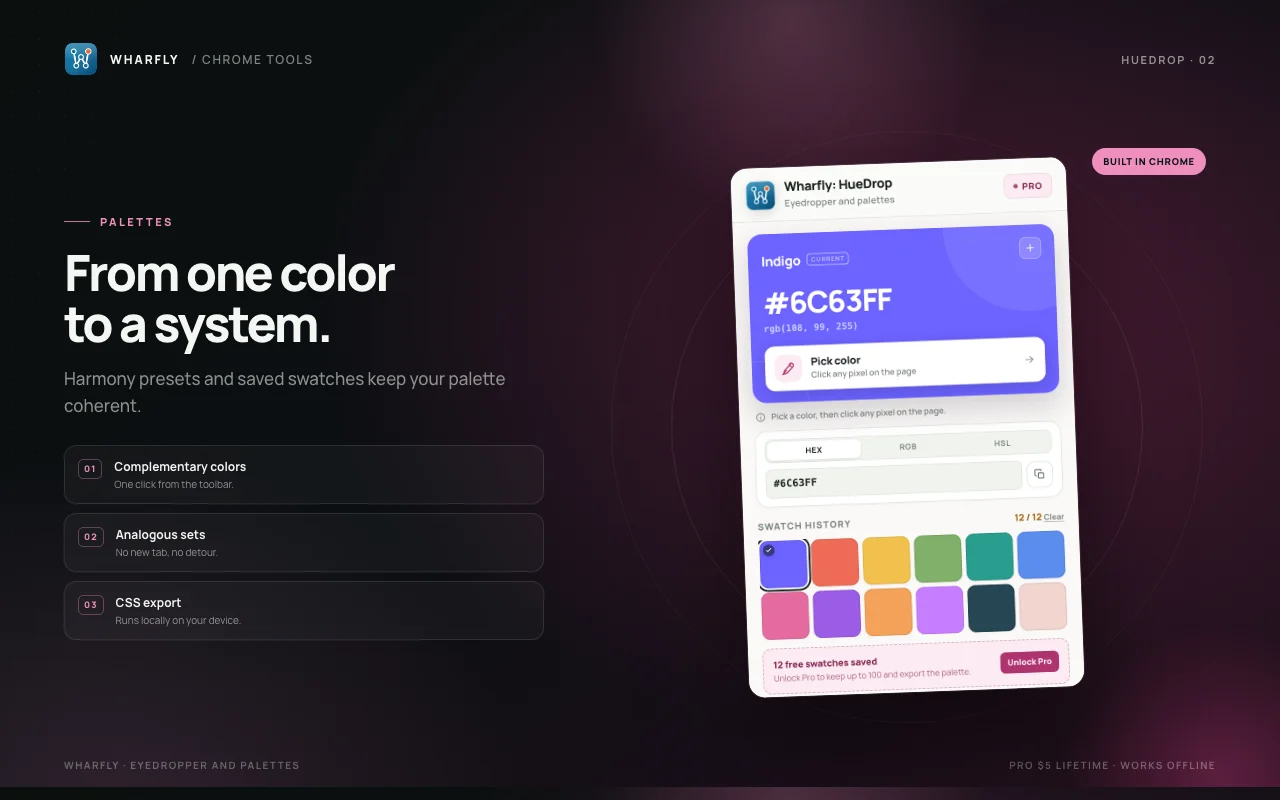
- Generate complementary and analogous palettes
- Export a palette as CSS variables with Pro
Free and Pro
Free
0 USD
Unlimited picking, 12 saved swatches, and HEX/RGB/HSL copy.
Pro
5 USD, one time
- 100 saved swatches
- Palette export as CSS and JSON
- Harmony presets for every swatch
Bought on Gumroad. You get a license key by email and paste it into the extension. Opens when the extension is live.
Screens
Where it is available
Version 1.0.0.
| Chrome Web Store | Draft, not submitted |
|---|---|
| Microsoft Edge Add-ons | Built, not submitted |
| Firefox Add-ons | Port needed |
| Pro license | 5 USD once on Gumroad, opens when the extension is live |
How we handle data
- Settings and saved items are stored by the extension in your browser.
- A Pro activation checks the license key with Gumroad.
- A Pro license key is checked with Gumroad.
- Privacy policy for this extension
- Support
- Privacy policy
- support@wharfly.app