Live on Chrome Tabs and focus
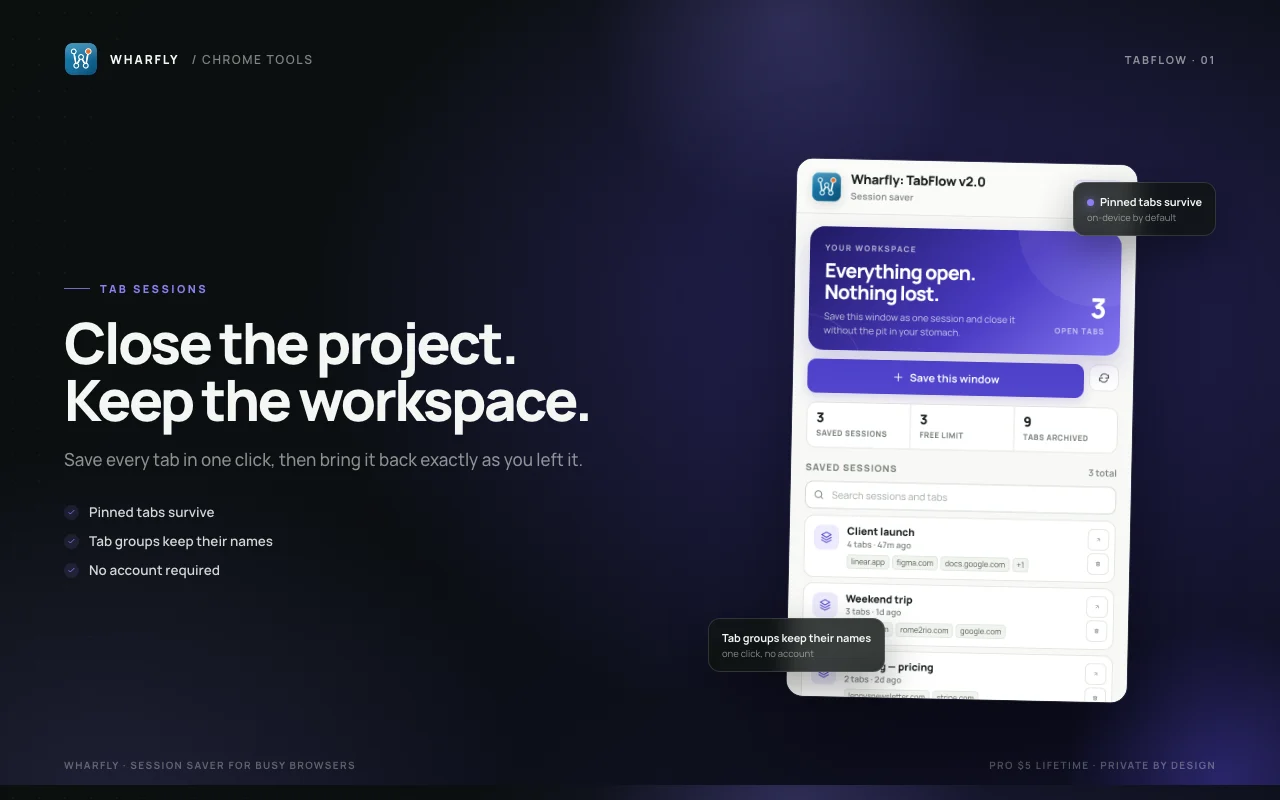
TabFlow
Session saver for busy browsers
Firefox Get it on Firefox
- Save every tab in the current window as one named session
- Restore a session into the current window in one click
Wharfly / Browser extensions / Firefox
Ten local-first Firefox extensions for the tabs, screenshots and focus sessions that fill a browser day. Every one has a working free version. The paid upgrade is 5 USD once, per add-on.
Each listing opens on addons.mozilla.org. If you prefer Chrome, the browser extensions page shows which ones are live there.
Search for the job you need: tab sessions, duplicate tabs, tab suspending, screenshots, YouTube focus, Pomodoro timers, audio mixing, reading lists, snippets and a calmer new tab.
Session saver for busy browsers
Firefox Get it on Firefox
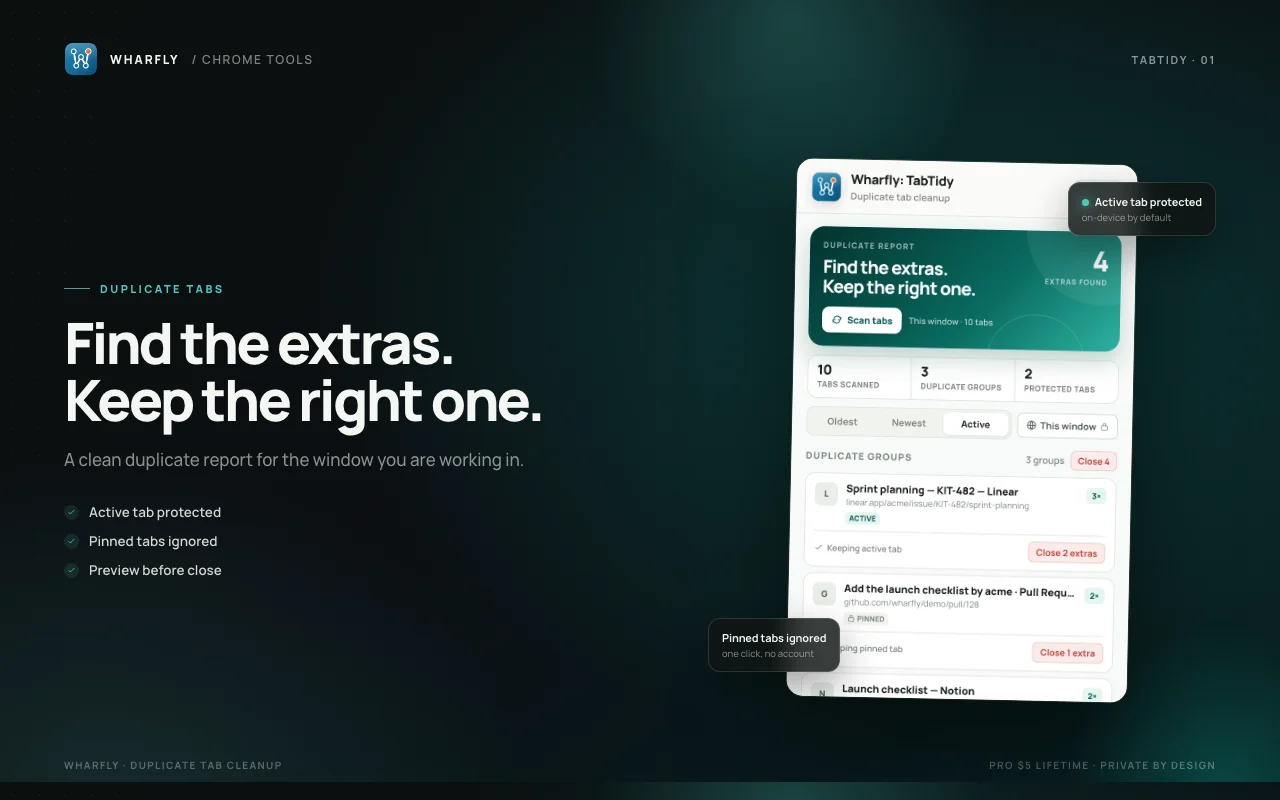
Duplicate tab cleanup
Firefox Get it on Firefox
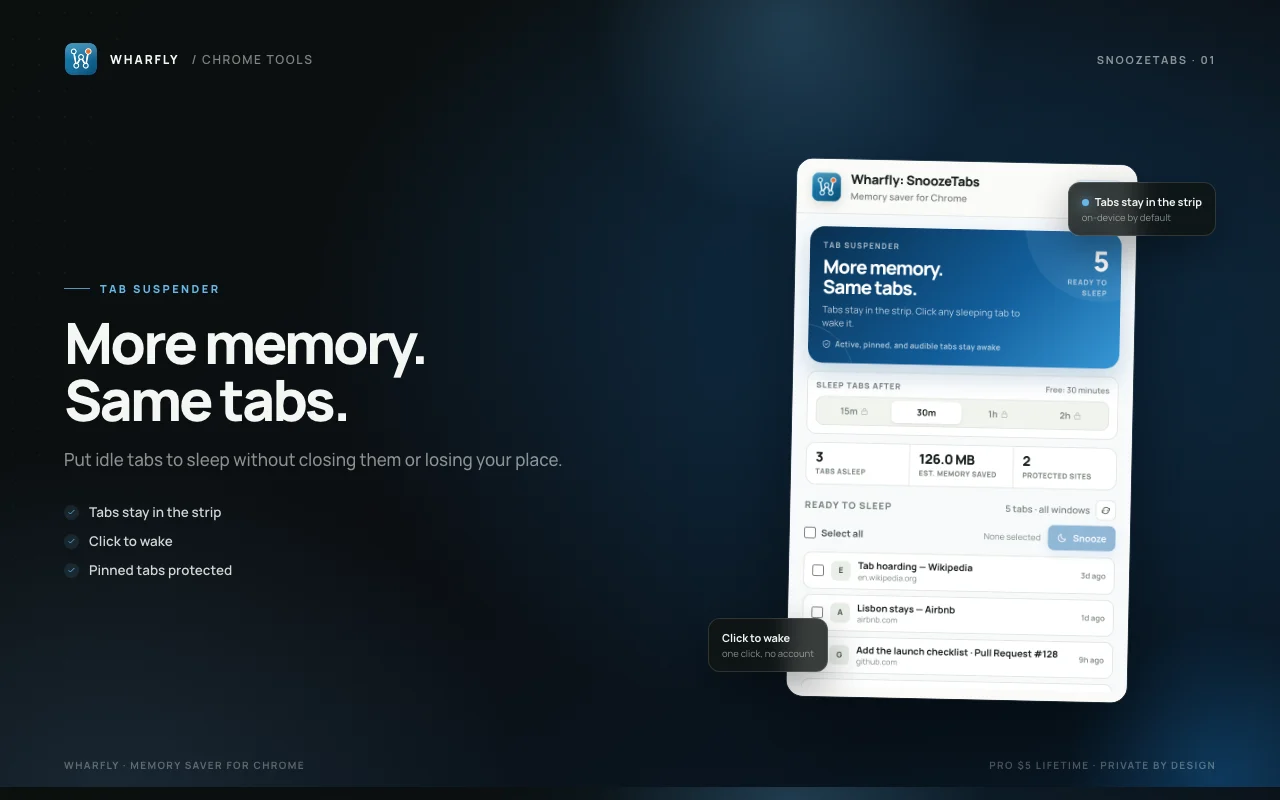
Memory saver for Chrome
Firefox Get it on Firefox
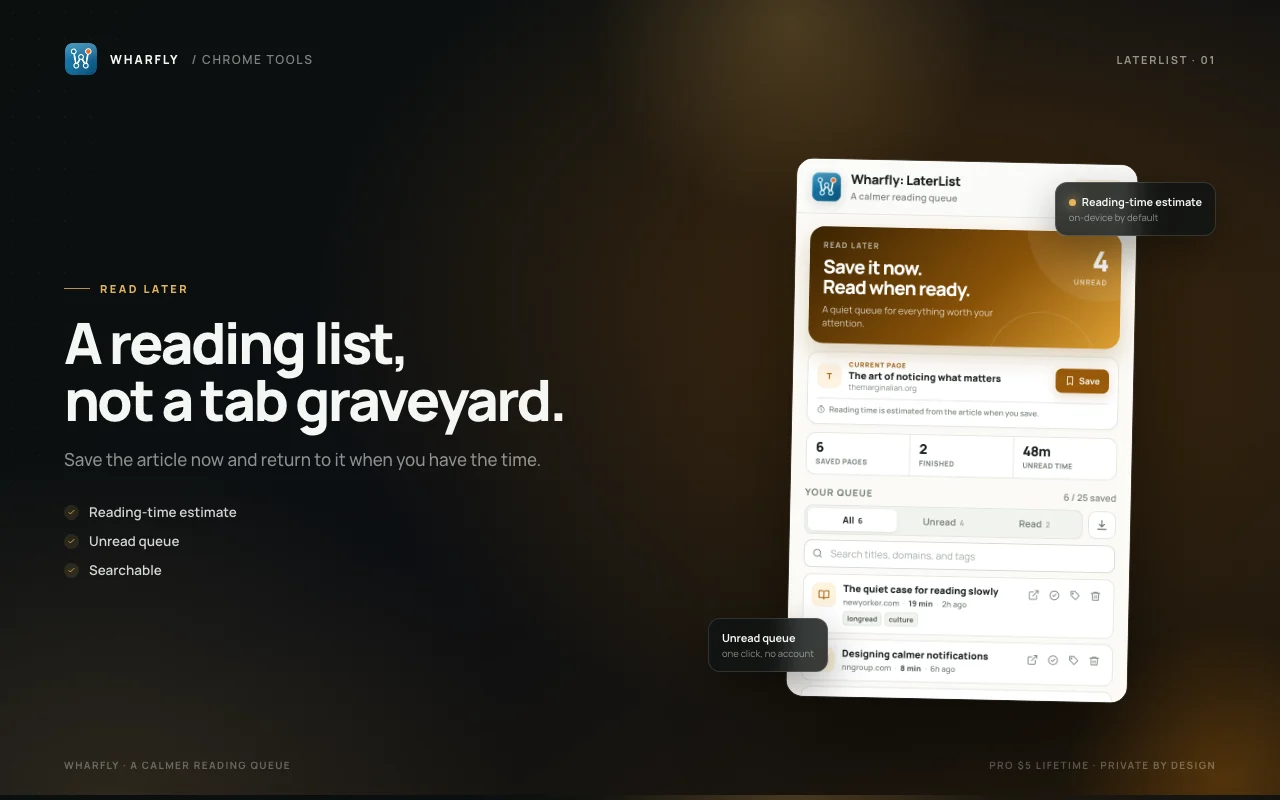
A calmer reading queue
Firefox Get it on Firefox
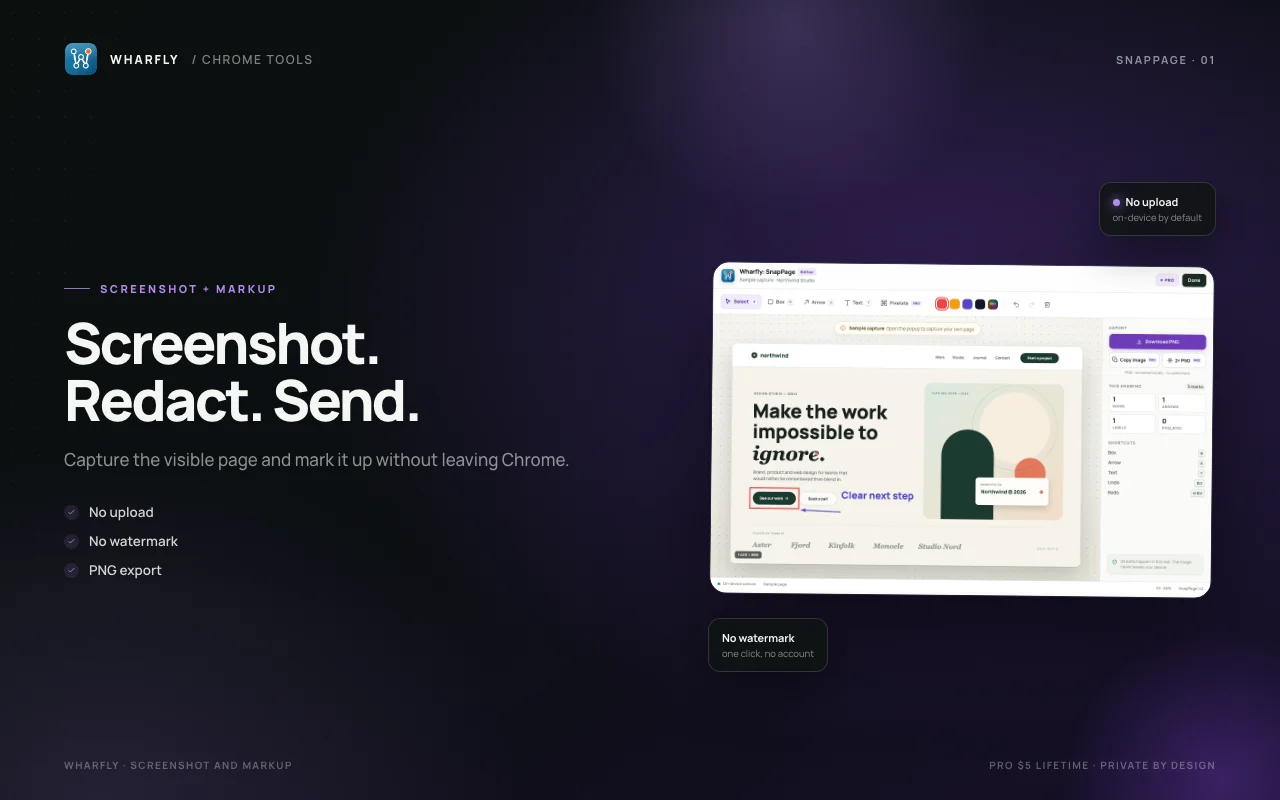
Screenshot and markup
Firefox Get it on Firefox
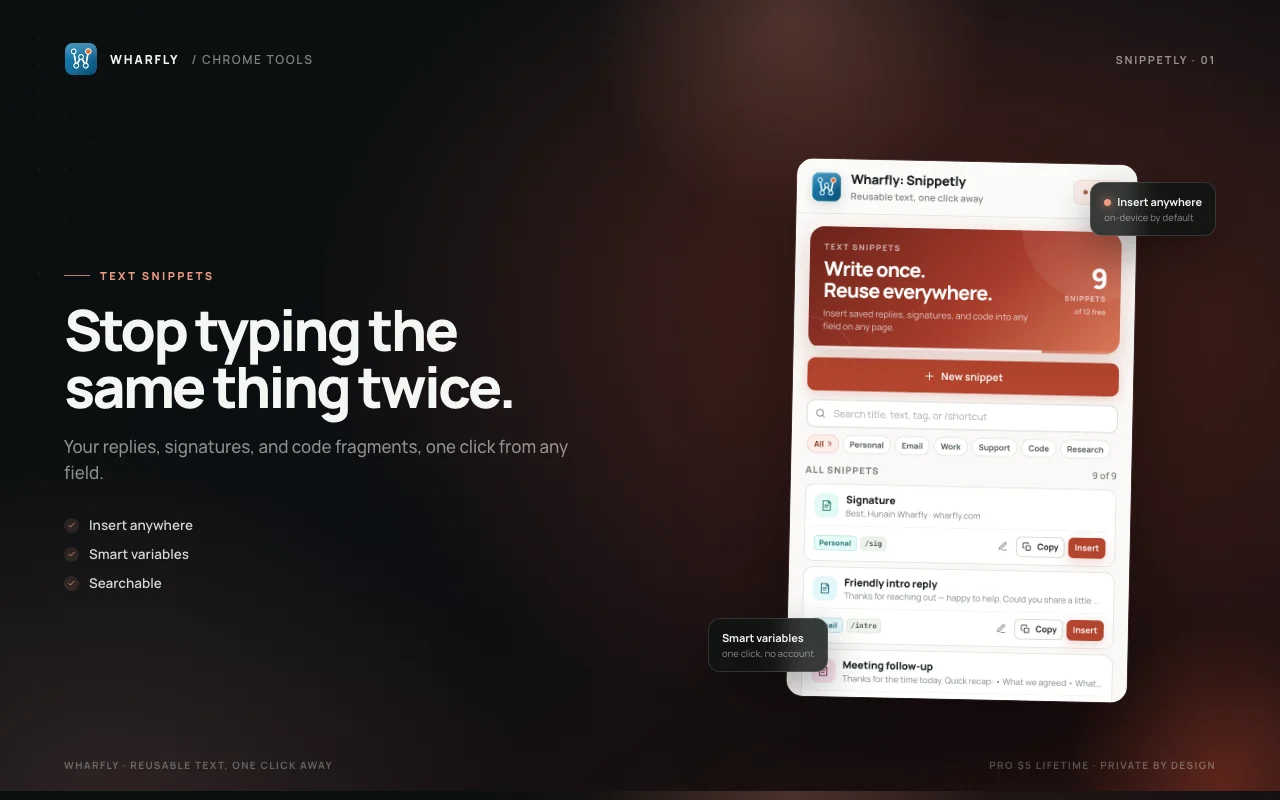
Reusable text, one click away
Firefox Get it on Firefox
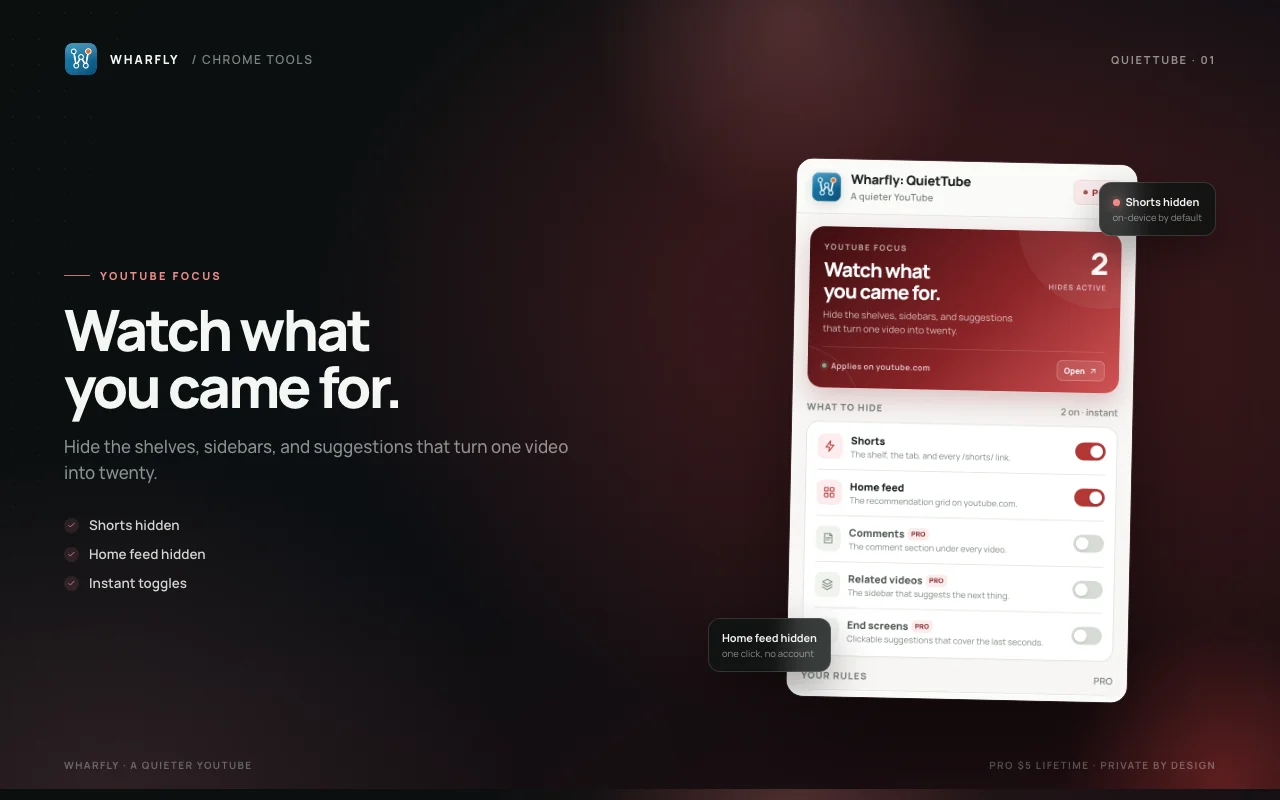
A quieter YouTube
Firefox Get it on Firefox
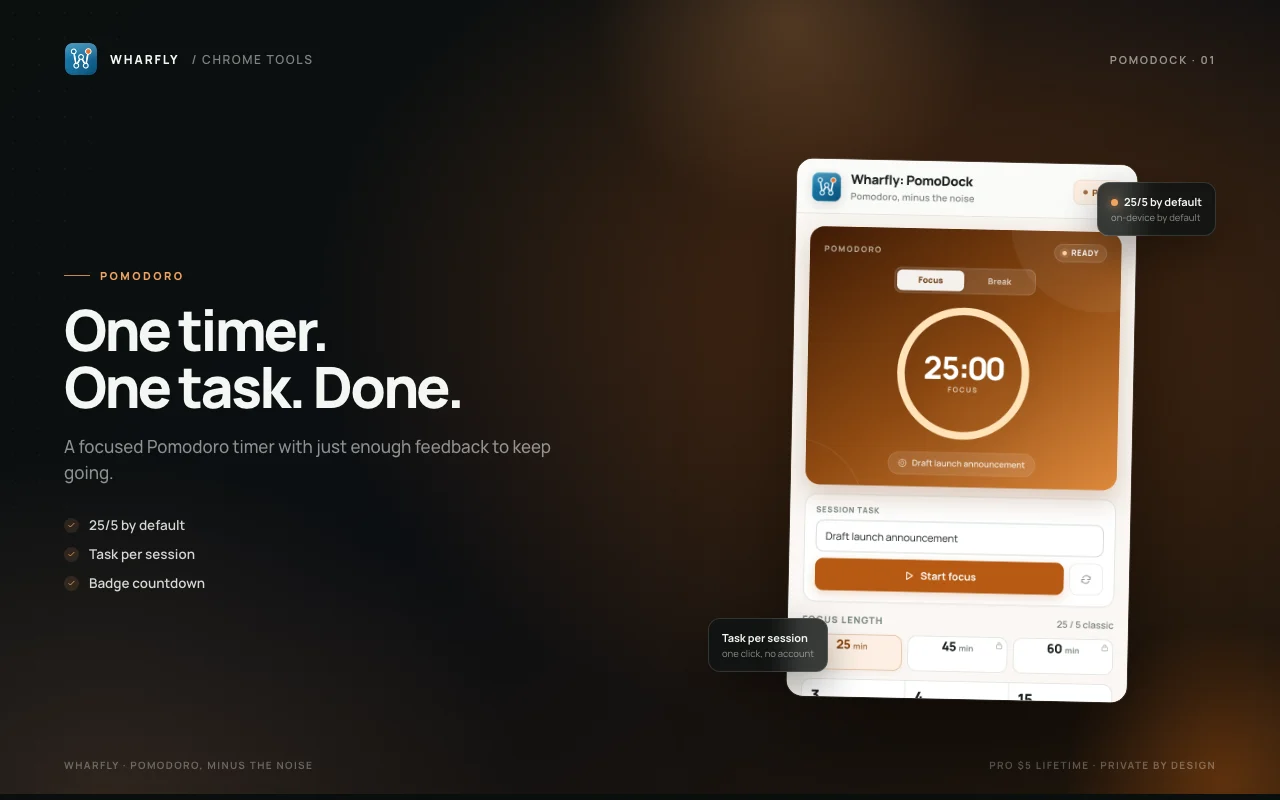
Pomodoro, minus the noise
Firefox Get it on Firefox
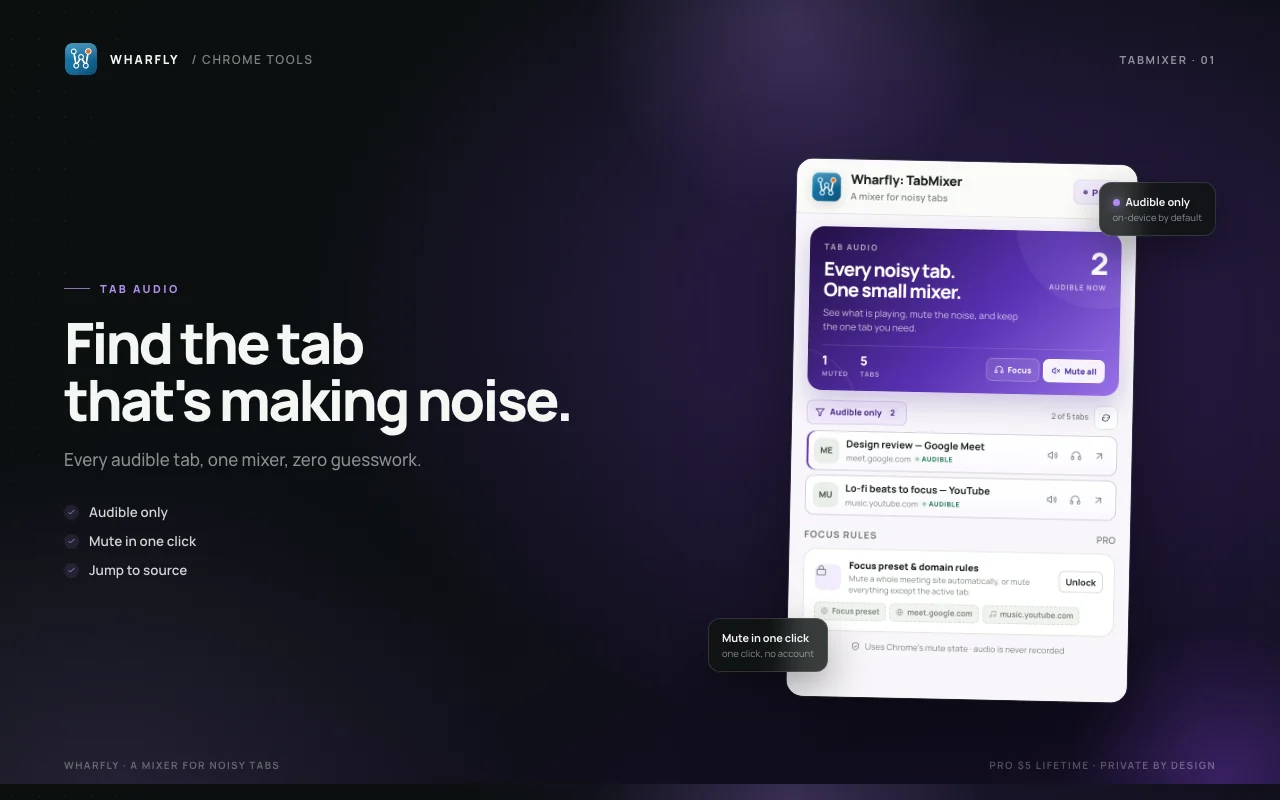
A mixer for noisy tabs
Firefox Get it on Firefox
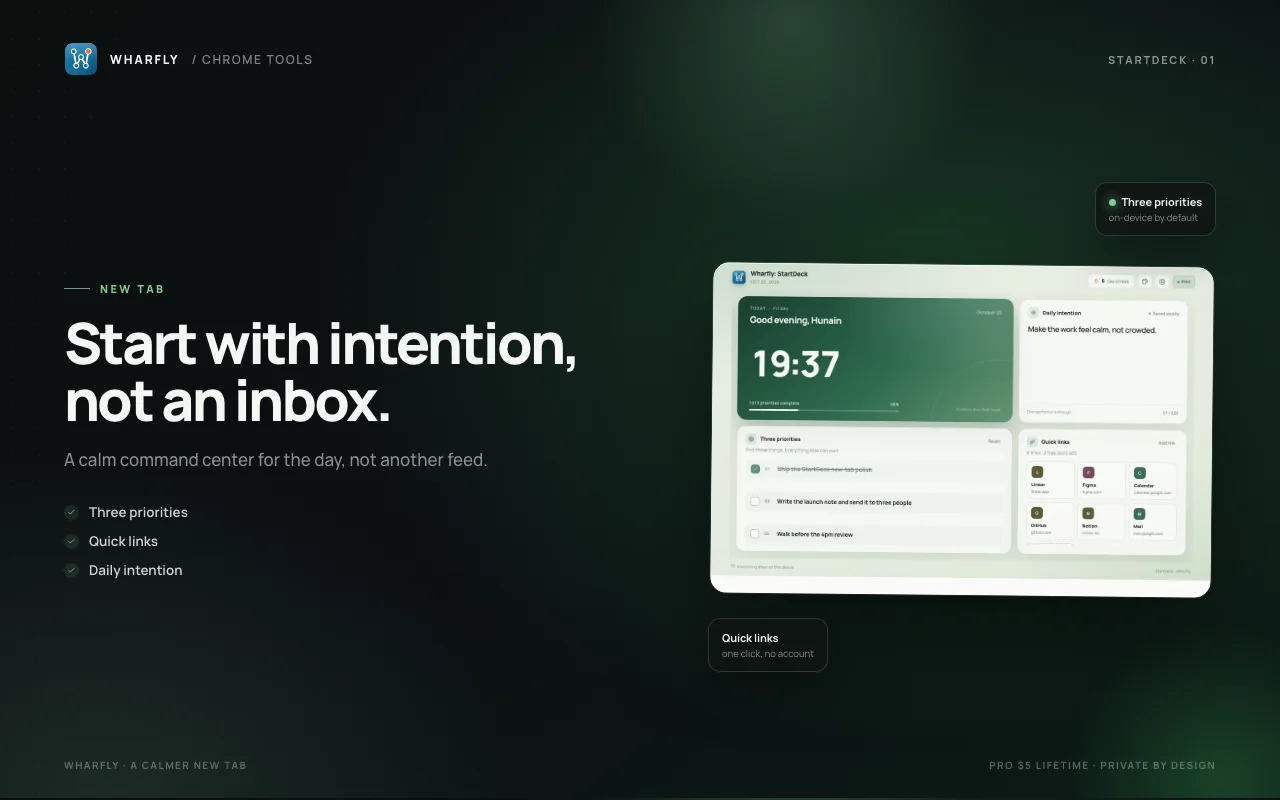
A calmer new tab
Firefox Get it on Firefox
They are local-first. Your tabs, screenshots, snippets and focus history stay in the browser unless you choose to save them elsewhere. There is no account and no sync server.
Free is a working tool, not a trial timer. The paid upgrade unlocks extra capacity or controls, and the licence is a one-time purchase on Gumroad.
Every add-on has a plain privacy policy. None of them reads page content for advertising, and none sells data.
Yes. Each add-on has a free version that works without a timer. The paid upgrade is optional and costs 5 USD once for that add-on.
No. The add-ons work without an account. A licence key is checked with Gumroad when you activate it.
No page content, URLs, titles or search terms are sent. A paid upgrade sends the license key to Gumroad to check it.
Use the Firefox Add-ons links on each card. The current list is also available on the Wharfly developer page.